Last checked: October 2026 · Part of our Stay Connected in Japan series
Setting up an eSIM for Japan takes about five minutes, and the best time to do it is at home, on your own Wi-Fi, a few days before you fly. Then on landing day you flip two switches and you are online before you reach passport control. Here is the whole process on iPhone and Android, plus fixes for the problems travelers actually run into.
Disclosure: The First Pick takes part in affiliate programs. If you buy through a link on this page, we may earn a commission at no extra cost to you. Prices, promotions and availability change, so always confirm details on the seller’s page. See our Affiliate Disclosure.
- At home: check your phone is unlocked, buy the plan, install the eSIM over Wi-Fi, label it “Japan” and leave it off.
- On landing: set the Japan eSIM as your data line and turn on data roaming for that line only.
- Your US line: keep it on for calls and texts, but turn its data roaming off to avoid daily charges.
- No internet? Data roaming on the eSIM line is the fix nine times out of ten.
Before you start: 3 checks
- Is your phone eSIM-capable?iPhone XS, XR and later support eSIM; US iPhone 14 and later use eSIM only. Recent Pixel and Galaxy phones support it too.
- Is it unlocked?iPhone: Settings > General > About > Carrier Lock should say “No SIM restrictions”. Android: ask your carrier, which can usually unlock a paid-off phone.
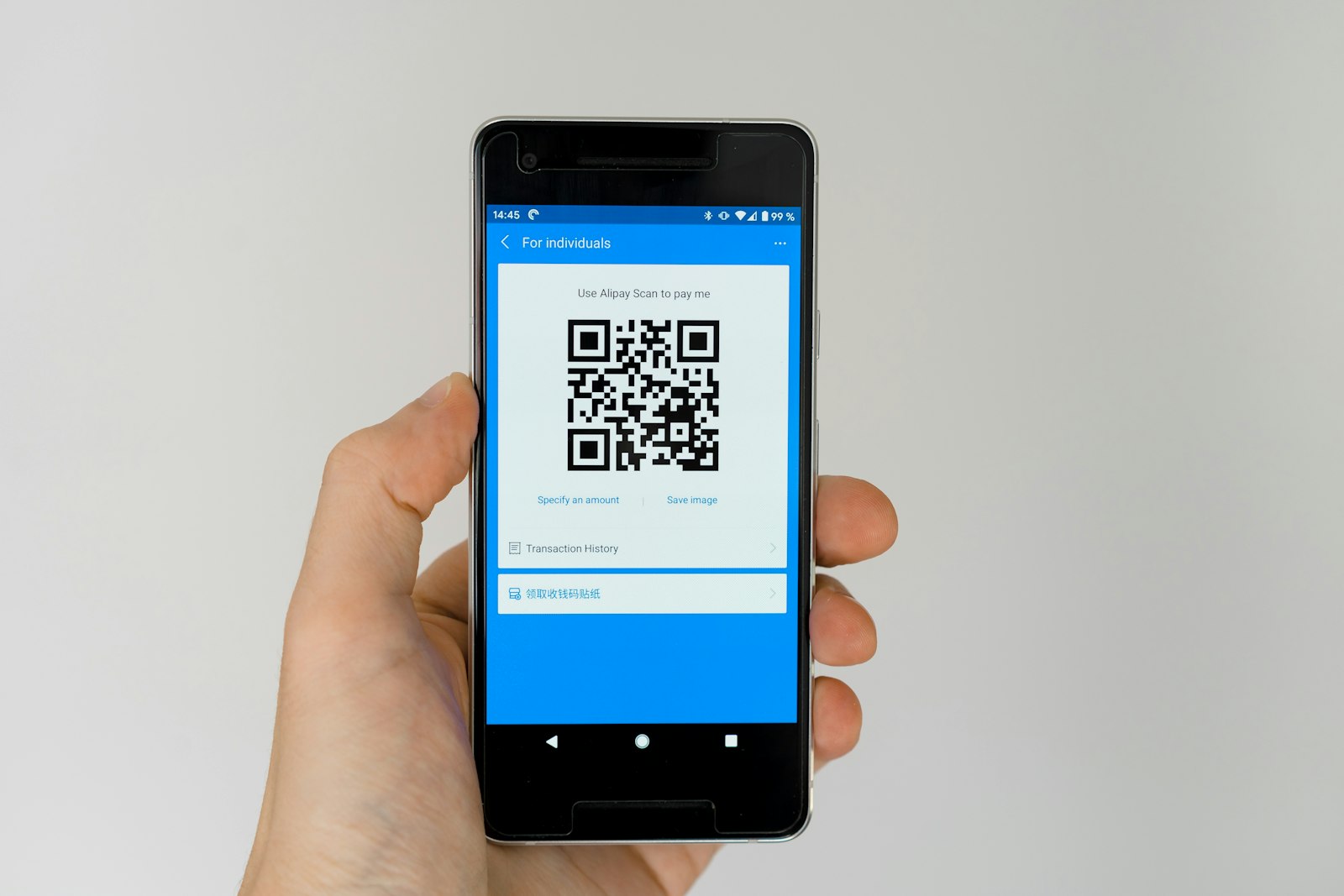
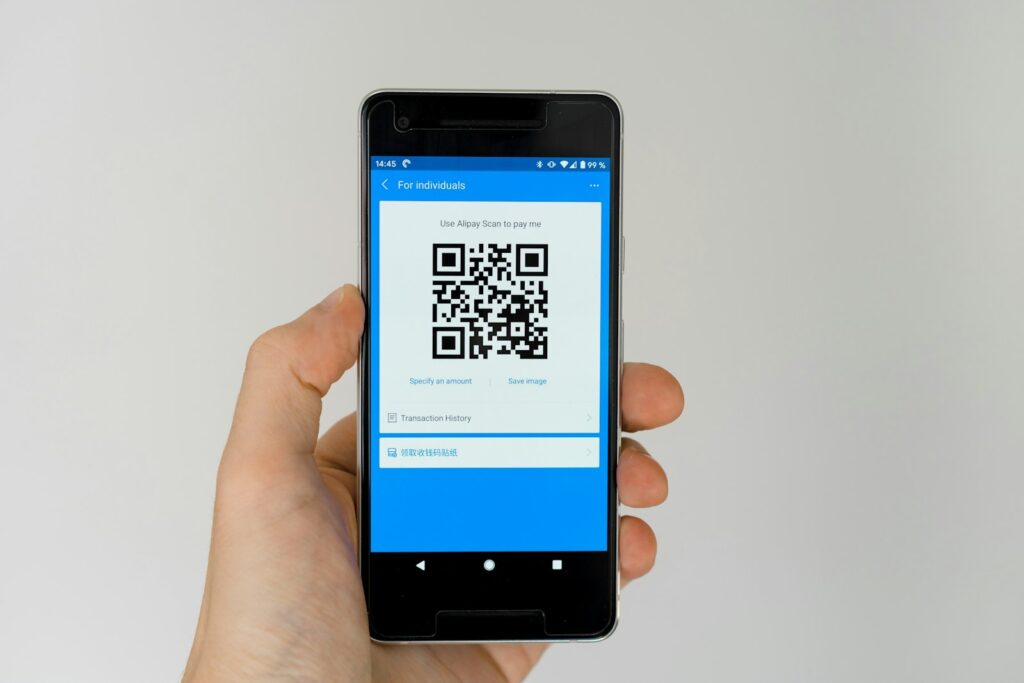
- Can you view the QR code on another screen?You scan the QR code with the phone you are installing on, so open the email on a laptop or tablet. If you only have your phone, use the install link or the activation code instead.
Get a Japan eSIM in minutes
EVASIM Japan plans arrive by email with a QR code, activation code and a one-tap install link. Code THEFIRSTPICK takes 5% off.
Reader codeTHEFIRSTPICKHow to install a Japan eSIM on iPhone
- Connect to Wi-FiInstallation downloads a profile, so use a stable home connection.
- Open Settings > Cellular > Add eSIMSome iOS versions say “Add Cellular Plan” or “Mobile Data” instead of “Cellular”.
- Choose Use QR CodeScan the code from your email. If you are on the same phone, tap the install link in the email or enter the activation code manually.
- Label the new lineName it “Japan” and keep your US line as “Primary”. Labels make the next steps much easier.
- Keep your US line for calls and iMessageWhen asked for the default line, choose Primary for voice and iMessage.
- Leave the Japan line off until you landIn Settings > Cellular, tap the Japan line and turn it off if your plan starts on first use.
How to install a Japan eSIM on Android
Menus differ by brand, but the path is similar everywhere:
| Phone | Where to add the eSIM |
|---|---|
| Google Pixel | Settings > Network & internet > SIMs > Add SIM (or “Download a SIM instead?”) |
| Samsung Galaxy | Settings > Connections > SIM manager > Add eSIM > Scan QR code |
| Other Android | Settings > Network or Mobile network > SIM / eSIM > Add eSIM |
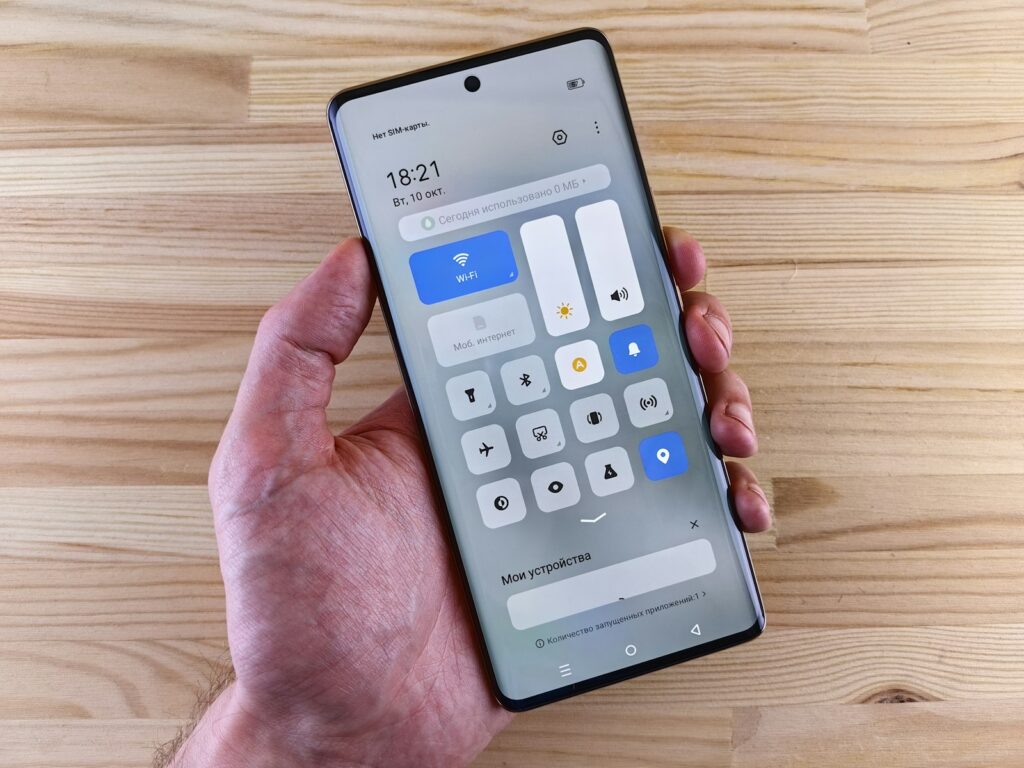
Scan the QR code or enter the activation code, give the new line a clear name such as “Japan”, and keep it switched off until you arrive.

On landing day: switch it on
- Turn on the Japan lineiPhone: Settings > Cellular > Japan > Turn On This Line. Android: open SIM manager and enable the Japan eSIM.
- Make it your data lineiPhone: Settings > Cellular > Cellular Data > Japan. Android: set the Japan eSIM as the mobile data SIM.
- Turn on data roaming for the Japan lineTravel eSIMs connect to a Japanese partner network, which your phone treats as roaming. EVASIM’s own instructions say to enable data roaming on arrival.
- Turn off data roaming on your US lineThis stops your US carrier from starting a daily international pass in the background.
- Turn off “Allow Cellular Data Switching”On iPhone, this keeps the phone from quietly falling back to your US line when the signal dips.
Troubleshooting: no internet in Japan
Signal bars, but no data
Data roaming is off on the eSIM line, or the eSIM is not selected as the data line. Fix both, then toggle airplane mode on and off.
“Unable to complete cellular plan change”
Usually a weak connection or a locked phone. Retry on stable Wi-Fi and confirm your carrier lock status. Do not scan the same code over and over without asking support.
Connected but sluggish
Check whether you used up your data allowance, then try selecting a network manually in the line’s Network Selection settings.
The eSIM disappeared
Many eSIM profiles cannot be reinstalled after deletion. Contact the seller’s support before buying a new plan.
Choose your Japan eSIM
Not sure how much data you need? Our eSIM for Japan guide breaks it down by trip length.
Reader codeTHEFIRSTPICKFAQ
When should I install my Japan eSIM?
Install it at home over Wi-Fi a few days before your flight, then keep the line switched off until you land in Japan.
Do I need to turn on data roaming for a Japan eSIM?
Yes, on the eSIM line. Travel eSIMs use a partner network in Japan, so your phone treats it as roaming. Keep data roaming off on your US line.
Can I install an eSIM without a second device?
Yes. Use the one-tap install link or enter the activation code manually instead of scanning the QR code.
Will I still get texts on my US number in Japan?
Usually yes, if your US line stays turned on. Calls and data on that line may trigger roaming charges, so check your carrier rules.
What if my eSIM shows signal but no internet?
Make sure the eSIM is your mobile data line and data roaming is on for it, then toggle airplane mode. If it still fails, contact the seller support.