Last checked: September 2026 · Part of our Japan convenience store guide
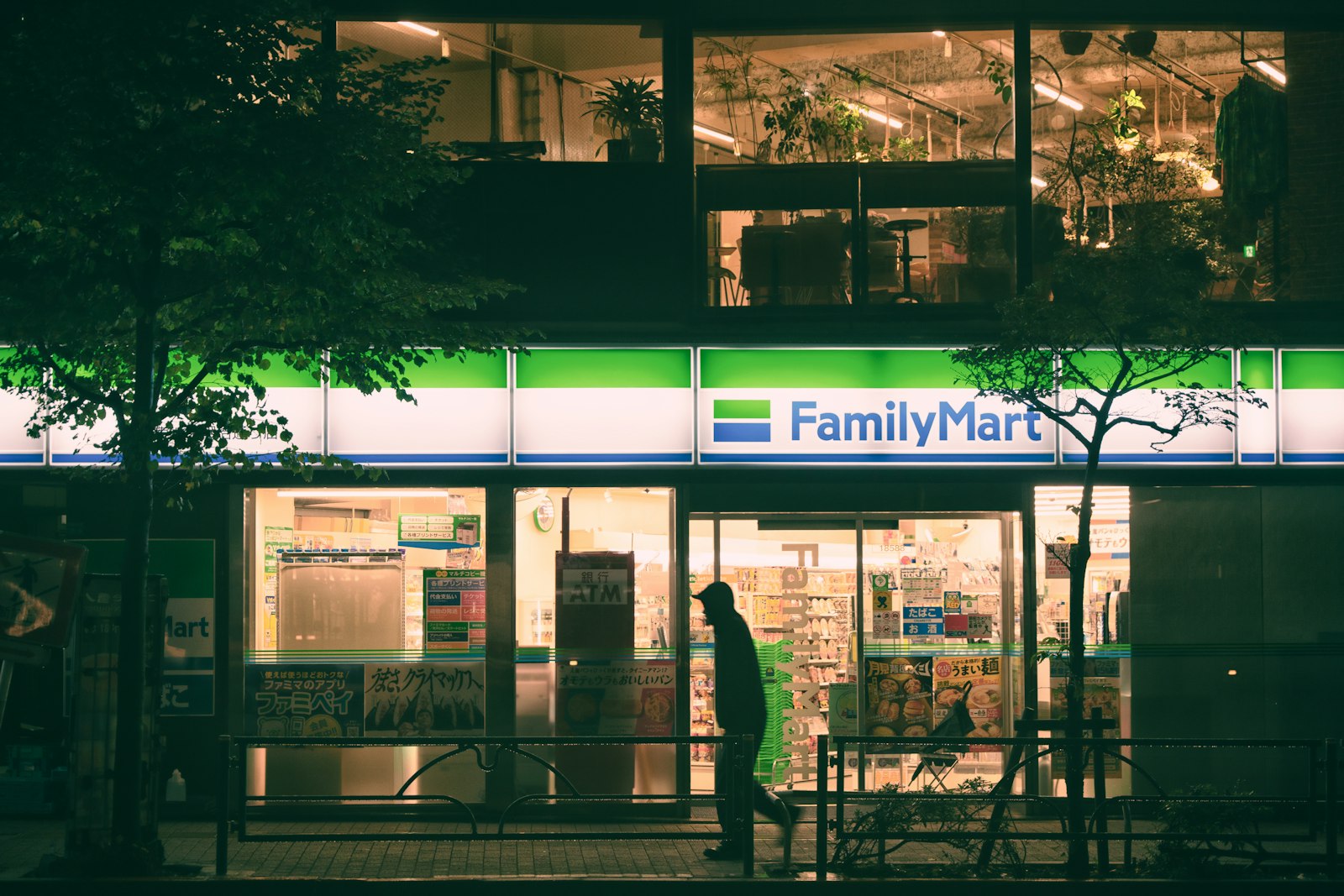
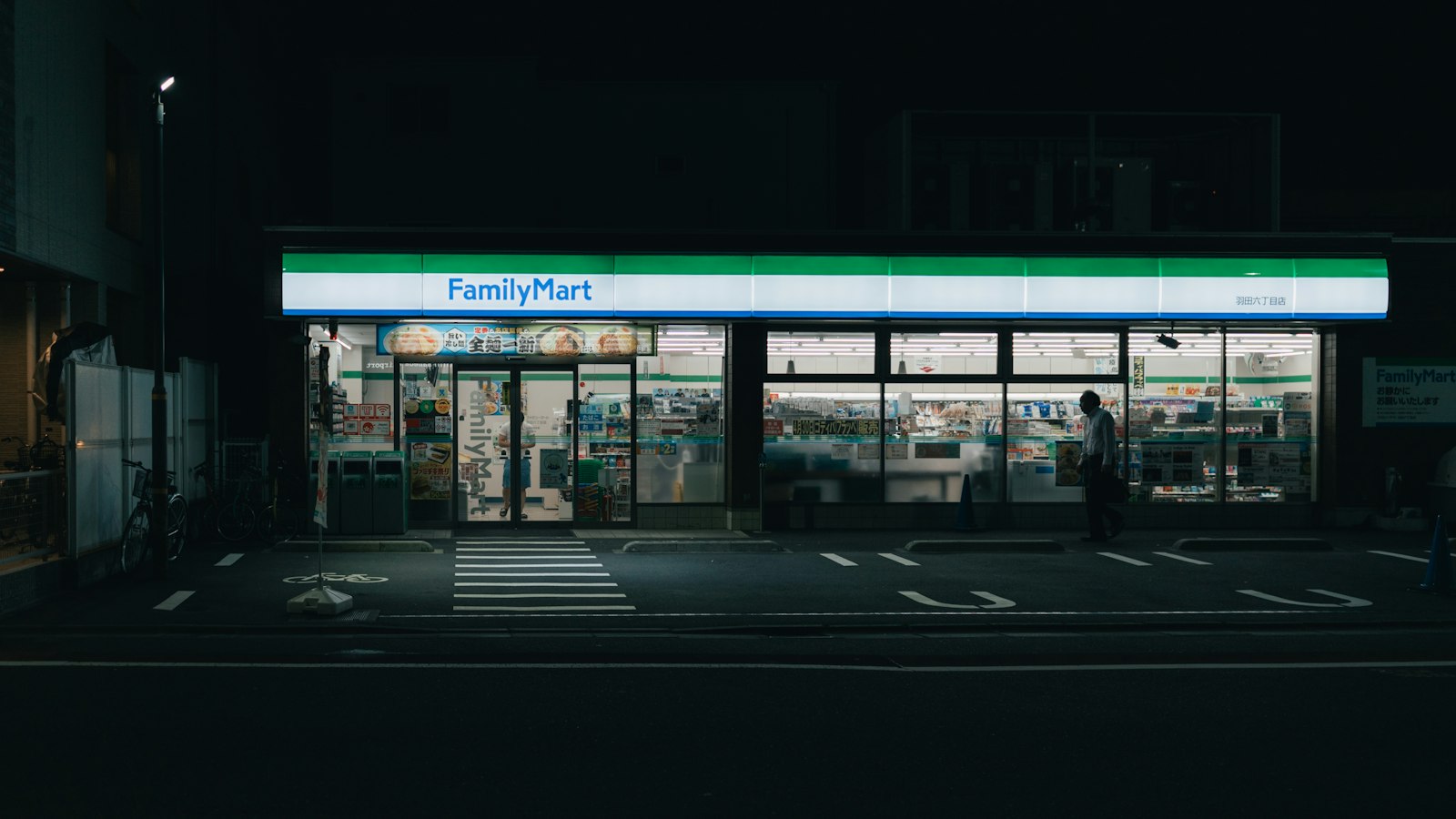
Hear the cheerful door chime and you know you are in a FamilyMart. Japan’s second-largest convenience store chain, with more than 16,000 stores, is where many travelers discover Famichiki, the juicy fried chicken sold by the register. It is also a practical stop: FamilyMart publishes a dedicated tourist service page, offers ATMs with multi-language menus, and runs currency exchange machines at select locations. This guide covers what you can do at FamilyMart in Japan and how to get through checkout smoothly.
- ATM: depending on the store, you may find an E-net ATM, a Japan Post Bank ATM, or the new FamilyMart ATM (rolling out since June 2026). Check the card logos on the machine.
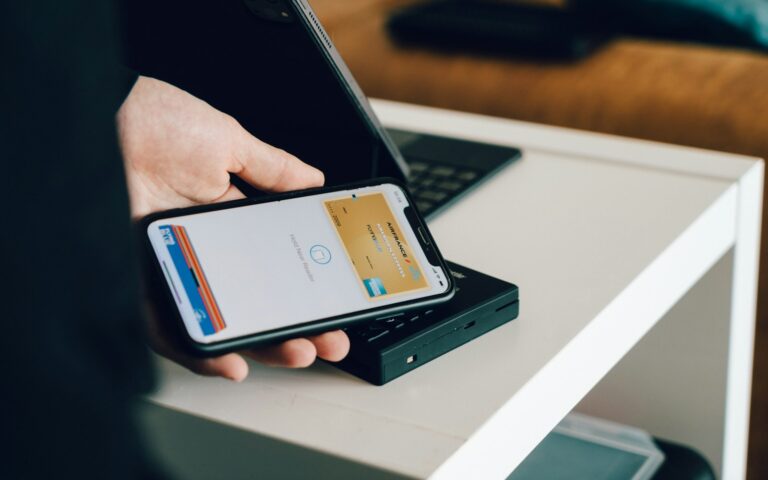
- Pay: generally cash, JCB, Visa, Mastercard, American Express, Diners, Discover, UnionPay, contactless and Suica.
- Self-checkout: common in cities, and often cashless. Staffed registers take cash.
- Try: Famichiki, Famima Café coffee, onigiri and seasonal sweets.
- No free Wi-Fi: Famima Wi-Fi ended in August 2022.
Find the nearest FamilyMart
The map shows an example area. Tap a button below to open Google Maps in English with the stores closest to you right now (allow location access for the best results).
FamilyMart ATMs and currency exchange
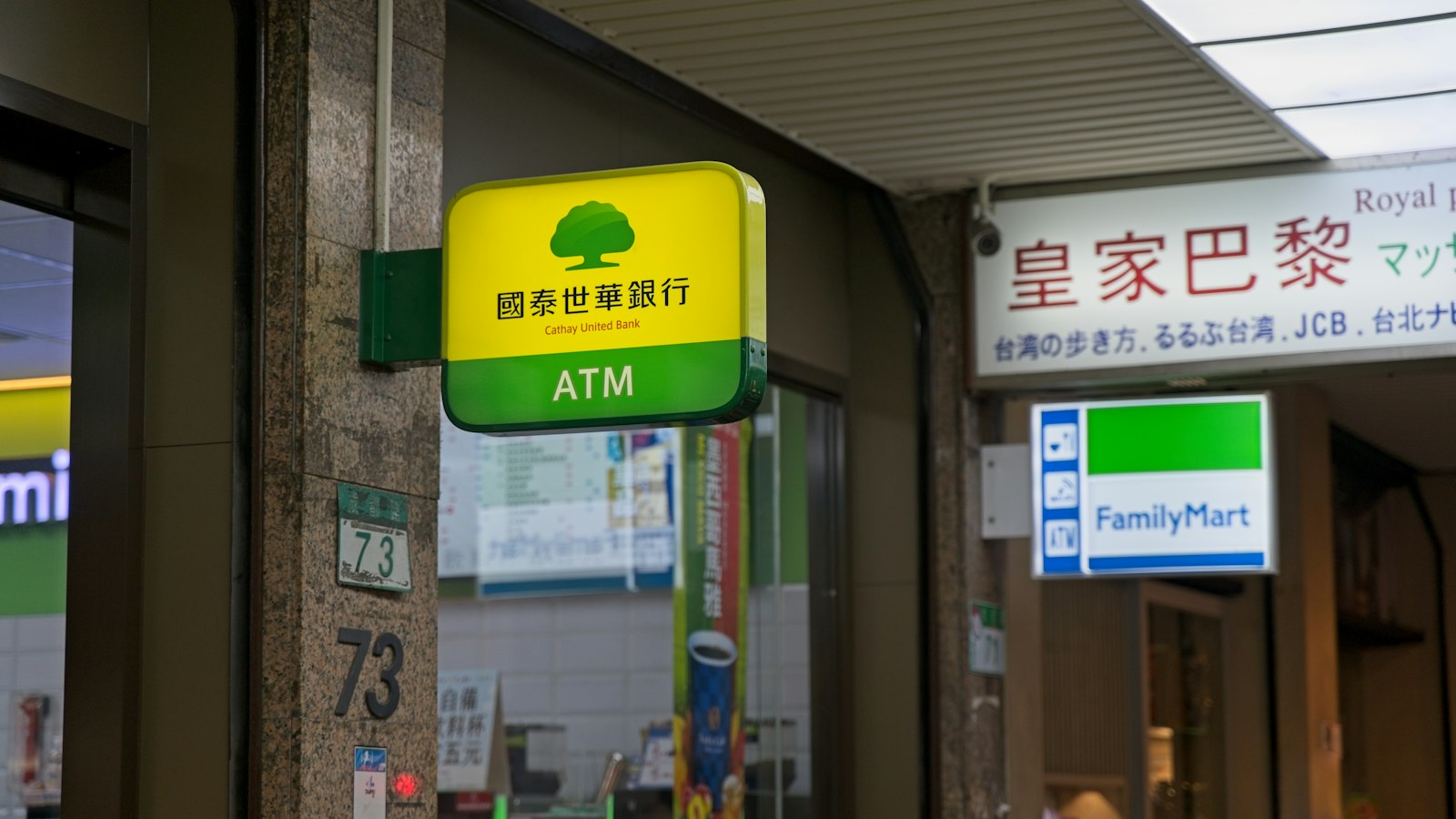
E-net ATM
Found in many FamilyMart stores. Accepts Visa, PLUS, UnionPay, Mastercard, Maestro, Cirrus and JCB cards, with 4 language options.
Japan Post Bank ATM
Installed at some stores. Accepts Visa, Mastercard, JCB, Discover, UnionPay and more, with 16 languages.
Currency exchange machine
At limited stores. Converts 14 currencies, including US dollars, euros and pounds, into yen, with a 15-language display.
FamilyMart ATM
Since June 2026, FamilyMart has been installing its own green-branded ATMs, operated by Seven Bank, with about 16,000 planned over roughly four years. Check the card logos on the machine.
How to pay at FamilyMart
You will meet two kinds of registers. At a staffed register, the clerk scans your items and you pay by cash, card or IC card on the small screen facing you. At a self-checkout, you scan everything yourself; many of these machines are cashless, and alcohol or tobacco may need staff approval or a staffed register, depending on the setup.
- “FamiPay?” / point cardThe first screen usually asks about FamilyMart’s FamiPay app or a point card. Tap the option for none (なし) to skip.
- Scan your itemsHold each barcode to the scanner. Hot snacks like Famichiki are usually ordered from staff.
- Pick your paymentクレジット for a bank card, 交通系IC for Suica or PASMO, or a code payment app.
- Bag, pay and goChoose whether you need a bag, tap or insert your card, and take your receipt.
Still unsure which button to press? Our self-checkout guide has a full screen translation.
What to eat at FamilyMart
Famichiki
Boneless, crispy fried chicken in a paper sleeve. Order it by name at the register. Spicy versions appear too.
Famima Café
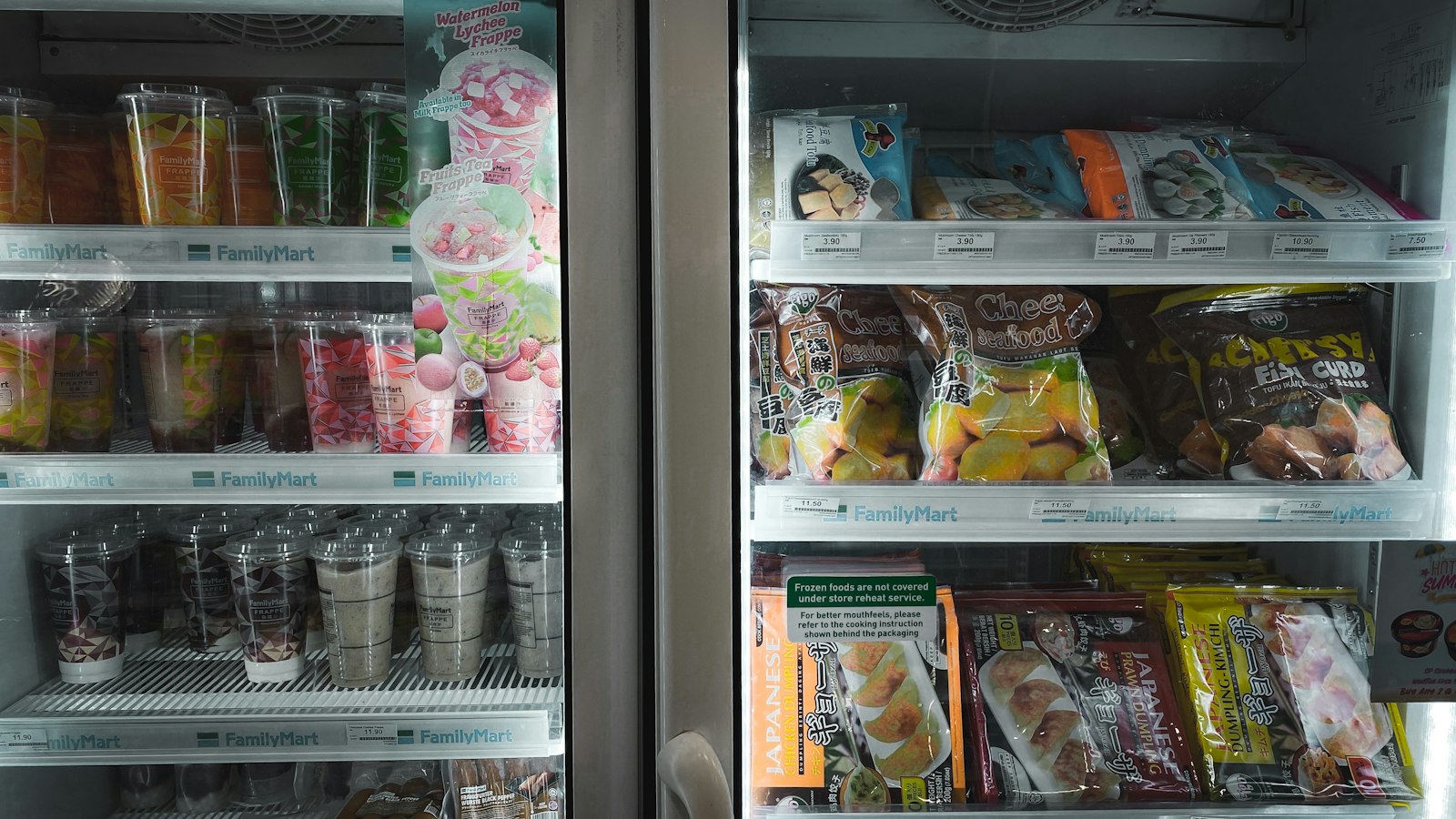
Buy your cup at the register, then brew it at the machine. Frappé-style drinks appear seasonally.
Onigiri and bento
Rice balls, rice bowls and bento. Ask staff to heat bento with “atatamete kudasai”.
Desserts and ice cream
Limited-edition sweets and collaborations change often, so check the chiller by the register.
Other FamilyMart services for travelers
Multi-copy machine
Buy tickets for theme parks, zoos and highway buses, and print or copy documents. The screen offers 11 languages; English and Chinese phone support runs 9 a.m. to 6 p.m.
Yamato parcel service
Send parcels and suitcases within Japan by Yamato Transport (Kuroneko).
Convenience Wear
FamilyMart’s own line of socks, T-shirts and underwear. Handy when luggage goes missing.
Tax-free at select stores
Look for the tax-free sign. From Nov 1, 2026, you pay the tax-inclusive price; after customs confirms at departure that the goods are leaving Japan, the shop refunds the tax.
Good to know
- No free Wi-Fi: FamilyMart’s Famima Wi-Fi ended in August 2022.
- Restrooms: many stores allow customers to use them; ask first.
- Trash: sort bottles, cans and burnables, and only throw away things you bought there.
- Cards accepted: JCB, Visa, Mastercard, American Express, Diners Club, Discover, UnionPay and more, including contactless, at most stores.
FAQ
Can I use a foreign card at FamilyMart ATMs in Japan?
In many cases, yes. Depending on the store, FamilyMart may have an E-net ATM (Visa, Mastercard, JCB, UnionPay, PLUS, Cirrus, Maestro), a Japan Post Bank ATM, or the new FamilyMart ATM operated by Seven Bank. Check the card logos on the machine.
Does FamilyMart exchange foreign currency?
A limited number of FamilyMart stores have currency exchange machines that convert 14 currencies, including US dollars, into Japanese yen.
What is Famichiki?
Famichiki is FamilyMart’s signature boneless fried chicken, sold hot from the counter case by the register. Order it by name from the staff.
Does FamilyMart self-checkout accept cash?
Many FamilyMart self-checkout machines are cashless, accepting cards, IC cards and code payments. Use a staffed register if you want to pay in cash.
Does FamilyMart have free Wi-Fi?
No. FamilyMart’s free Wi-Fi service ended in August 2022.