Last checked: October 2026 · Part of our Japan train guide
A Suica card is the single most useful thing you can carry in a Japanese city. Tap it on the gate and walk through: no ticket machines, no fare charts in Japanese. The same card pays at convenience stores, vending machines and coin lockers. Here is which version to get as a US visitor in 2026, how to add Suica to your iPhone, and the few limits that catch first-timers out.
Riding mostly the subway in Tokyo? Compare a Suica with an unlimited pass in our Tokyo Subway Ticket guide.
- iPhone users: add a Suica (or PASMO/ICOCA) to Apple Wallet before you land, or use the Welcome Suica Mobile app (valid 180 days). No physical card needed.
- Physical card: buy a Welcome Suica at Haneda, Narita or major JR East stations. No deposit, valid 28 days, but leftover balance is not refunded.
- Regular Suica, PASMO and ICOCA cards are sold at station machines with a ¥500 refundable deposit.
- Tap on entry and exit. The fare is deducted automatically. Top up with cash at any station machine, up to ¥20,000.
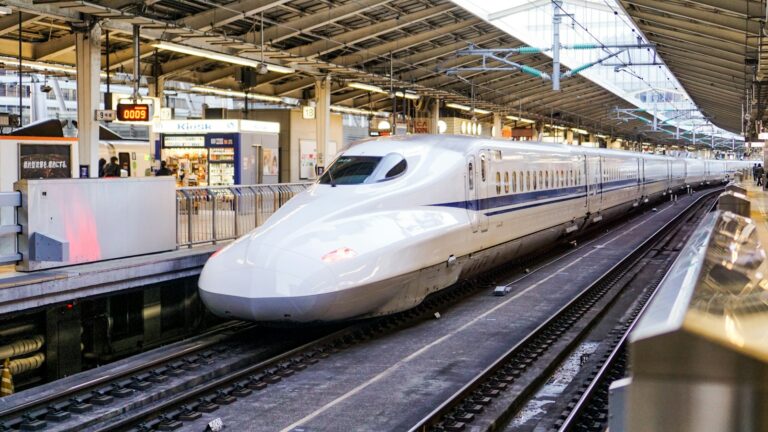
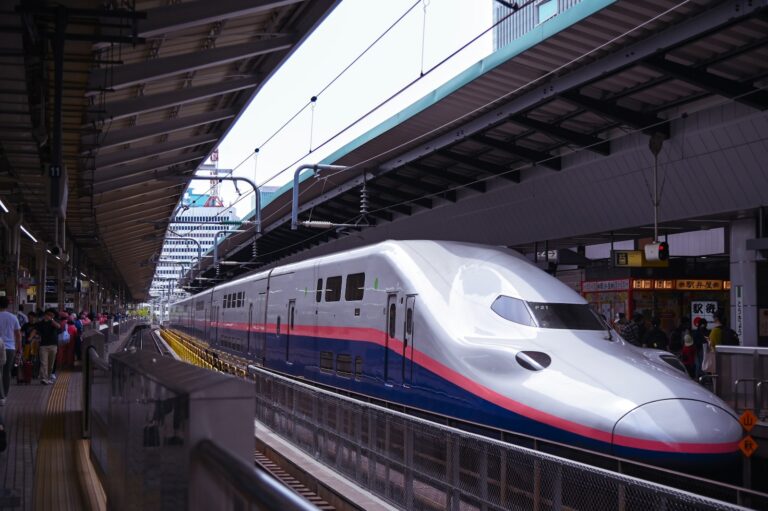
- Limits: you can’t ride between different IC regions (e.g. Tokyo → Sendai) on one tap, and Shinkansen rides need a separate ticket or online booking.
Which IC card should you get?
| Option | Best for | Cost & validity |
|---|---|---|
| Suica in Apple Wallet | iPhone users who want everything on their phone | No deposit. Top up via Apple Pay. Some US cards are declined; try another card if one fails. |
| Welcome Suica Mobile app | iPhone users on trips up to 180 days | No deposit, valid 180 days. Can link to JR East train reservations. |
| Welcome Suica (card) | Android users and anyone who wants a card | No deposit, valid 28 days, balance not refundable. |
| Regular Suica / PASMO / ICOCA | Long trips or repeat visitors | ¥500 deposit, refundable. Valid 10 years from last use. |
October 2026. Availability of physical cards has changed several times since 2023, so check the station machine if one option is sold out.
How to add Suica to your iPhone
- Open Wallet and tap +Choose “Transit Card”, then search for Suica, PASMO or ICOCA. You can do this at home before your flight.
- Add money with Apple PayPick an amount (from ¥1,000). If your Visa is declined, try a Mastercard or American Express card. Acceptance varies by issuer.
- Set it as Express TransitWallet does this automatically for the first transit card. You can then tap your phone or Apple Watch at gates without unlocking it.
- Top up as you goIn Wallet, or with cash at station charge machines by holding your phone on the reader.
How to buy a physical Welcome Suica
Welcome Suica cards are sold at Haneda Airport, Narita Airport and major JR East stations such as Tokyo and Shinjuku, from JR East Travel Service Centers and dedicated ticket machines. You load an initial amount (¥1,000 to ¥10,000) and the card is valid for 28 days. Keep the small reference paper that comes with it.
Most machines have an English button at the top. To top up, place your card in the slot (or phone on the reader), tap Charge, choose an amount and insert cash.
How to use Suica on trains
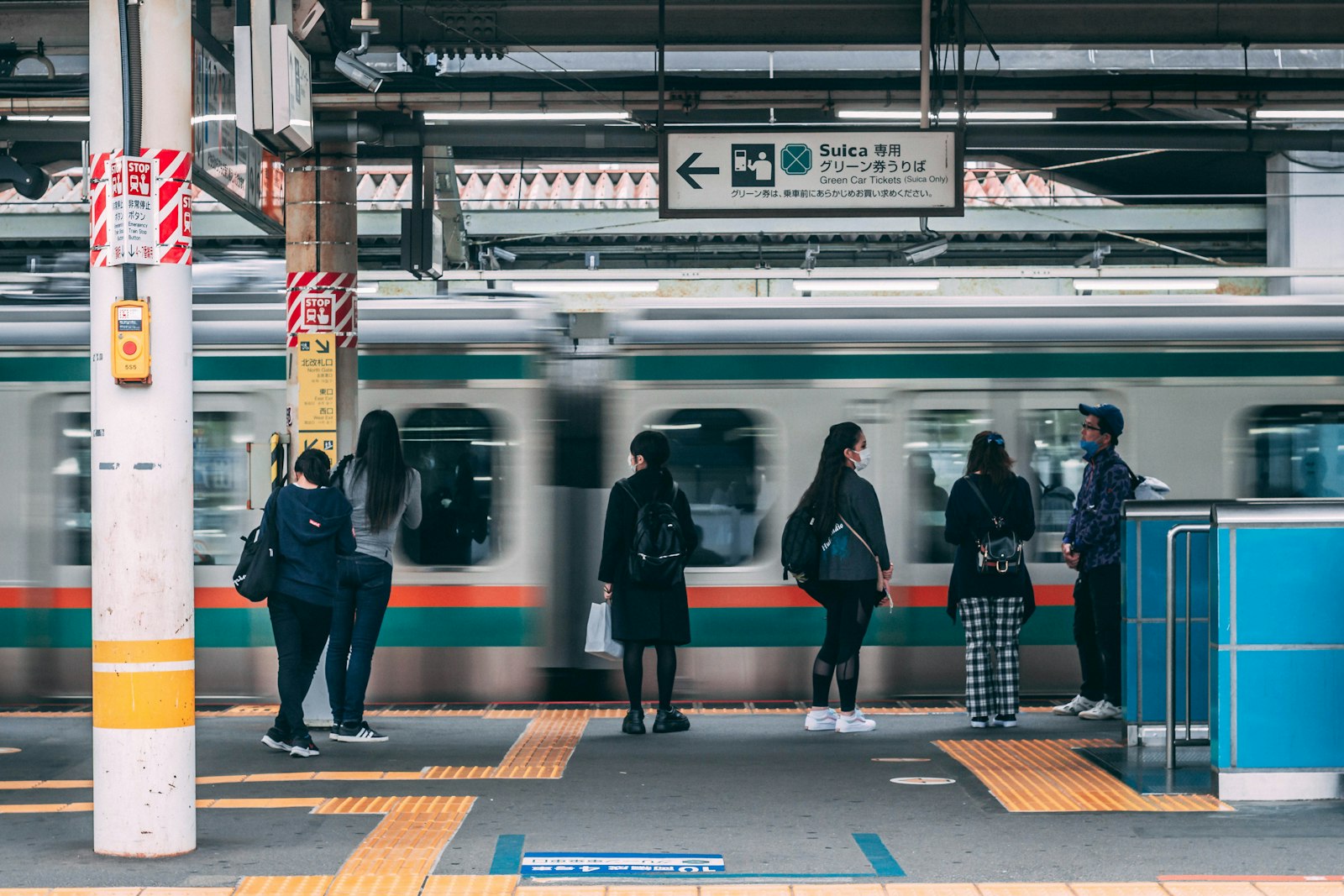
- Tap the blue IC reader at the gateHold the card or phone flat on the reader for a second. The gate shows your remaining balance.
- Ride anywhere in the areaNo need to choose a destination. Transfers between JR, subway and private lines are handled at the transfer gates.
- Tap again when you exitThe fare is deducted. If your balance is too low, the gate closes. Use the fare adjustment (精算) machine next to the gates.
More than trains: where else Suica works
Convenience stores
7-Eleven, FamilyMart and Lawson take Suica at the register and at most self-checkouts.
Vending machines
Look for the IC logo. Tap the card and pick your drink.
Coin lockers
Many station lockers accept IC cards, and the card acts as your key.
Buses & some taxis
City buses in Tokyo, Kyoto and Osaka accept IC cards. Many taxis do too.
New to Japanese convenience stores? Our konbini survival guide covers paying, ATMs and self-checkout machines.
Limits that catch visitors out
No cross-region trips
Tapping in at Tokyo and out in Sendai or Nagoya doesn’t work. Buy a ticket for long-distance trips.
Separate ticket needed
Book on smartEX or JR-EAST Train Reservation and link your IC card, or buy a paper ticket.
Maximum ¥20,000
You can’t load more than ¥20,000 at a time.
Use it up
Unused balance on Welcome Suica is not refunded. Spend it at a konbini on your last day.
For high-speed trips, see how to ride the Shinkansen. If you are coming in from Narita or Haneda, our airport-to-Tokyo guide shows which routes accept IC cards.
FAQ
Can tourists buy a Suica card in 2026?
Yes. Visitors can buy a Welcome Suica at Haneda, Narita and major JR East stations, or a regular Suica, PASMO or ICOCA at station machines. iPhone users can add Suica to Apple Wallet or use the Welcome Suica Mobile app.
Can I add Suica to Apple Wallet with a US credit card?
Usually yes. Add a Suica as a transit card in Wallet and top up through Apple Pay. Some US-issued cards are declined; if that happens, try a different card such as Mastercard or American Express.
Can I use Suica on the Shinkansen?
Not by simply tapping. Book through smartEX or JR-EAST Train Reservation and link your IC card, or buy a separate Shinkansen ticket.
Does Suica work in Kyoto and Osaka?
Yes. Suica works on trains, subways and most buses in Kyoto, Osaka and other major cities, as long as you start and end the trip in the same IC area.
Can I get a refund on a Welcome Suica?
No. Welcome Suica has no deposit, and unused balance is not refunded after the 28-day validity ends. Spend the remainder at a convenience store before you leave.