Last checked: September 2026 · Part of our Japan convenience store guide
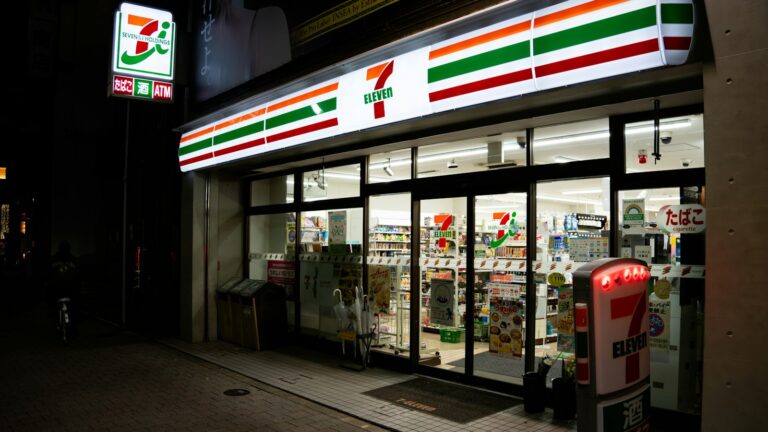
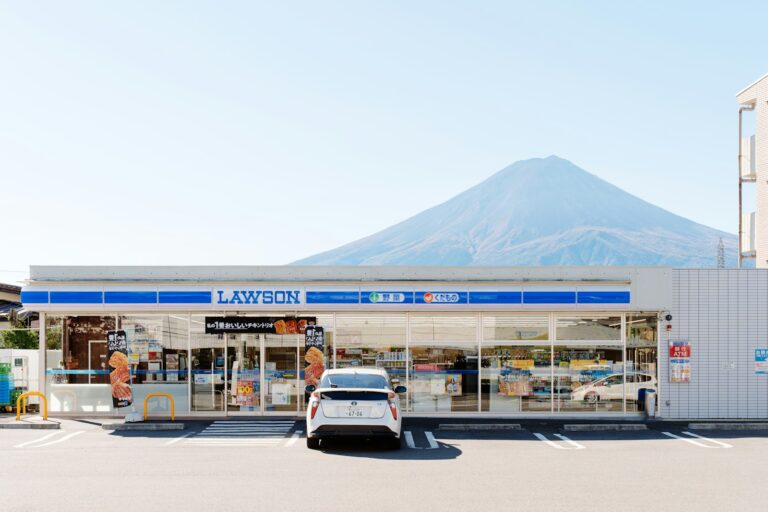
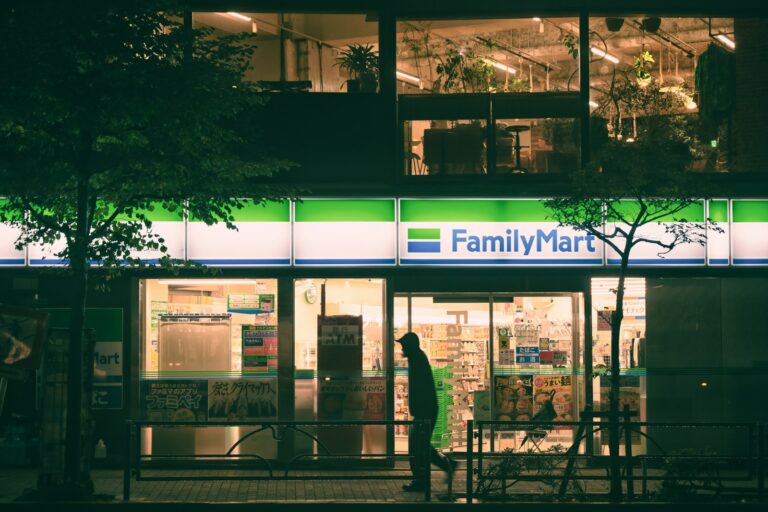
Stuck at a Japanese convenience store checkout, staring at a screen full of kanji while a line forms behind you? You are not alone. Self-checkout (and “semi-self” checkout, where staff scan and you pay) is now common at 7-Eleven, FamilyMart and Lawson. The good news: many convenience-store self-checkouts follow a similar flow, although the exact screens and order vary by chain and machine. Once you know the pattern, paying is quick.
- Two types: semi-self (staff scan, you pay on the screen facing you) and full self-checkout (you scan everything yourself).
- The usual questions: point card? → payment method → bag? → confirm. For the point card, just tap なし / No card.
- Cash: semi-self registers usually take cash. Many full self-checkouts are cashless (card, Suica, phone), although payment options vary by store and machine.
- Alcohol and tobacco require age verification, and hot snacks from the counter case are usually handled by staff. Press 呼出 (call staff) any time.
Find a convenience store near you
The map shows an example area. Tap a button below to open Google Maps in English with the stores closest to you right now (allow location access for the best results).
The two kinds of checkout you will see
Staff scan, you pay
The clerk scans your items, then a screen facing you lights up with payment buttons. You insert cash or tap a card yourself. Standard at most 7-Eleven stores. Cash is usually fine here.
You do everything
A separate terminal where you scan barcodes yourself. Common at Lawson and FamilyMart in cities. Often cashless, and alcohol or tobacco may need staff approval, depending on the setup.
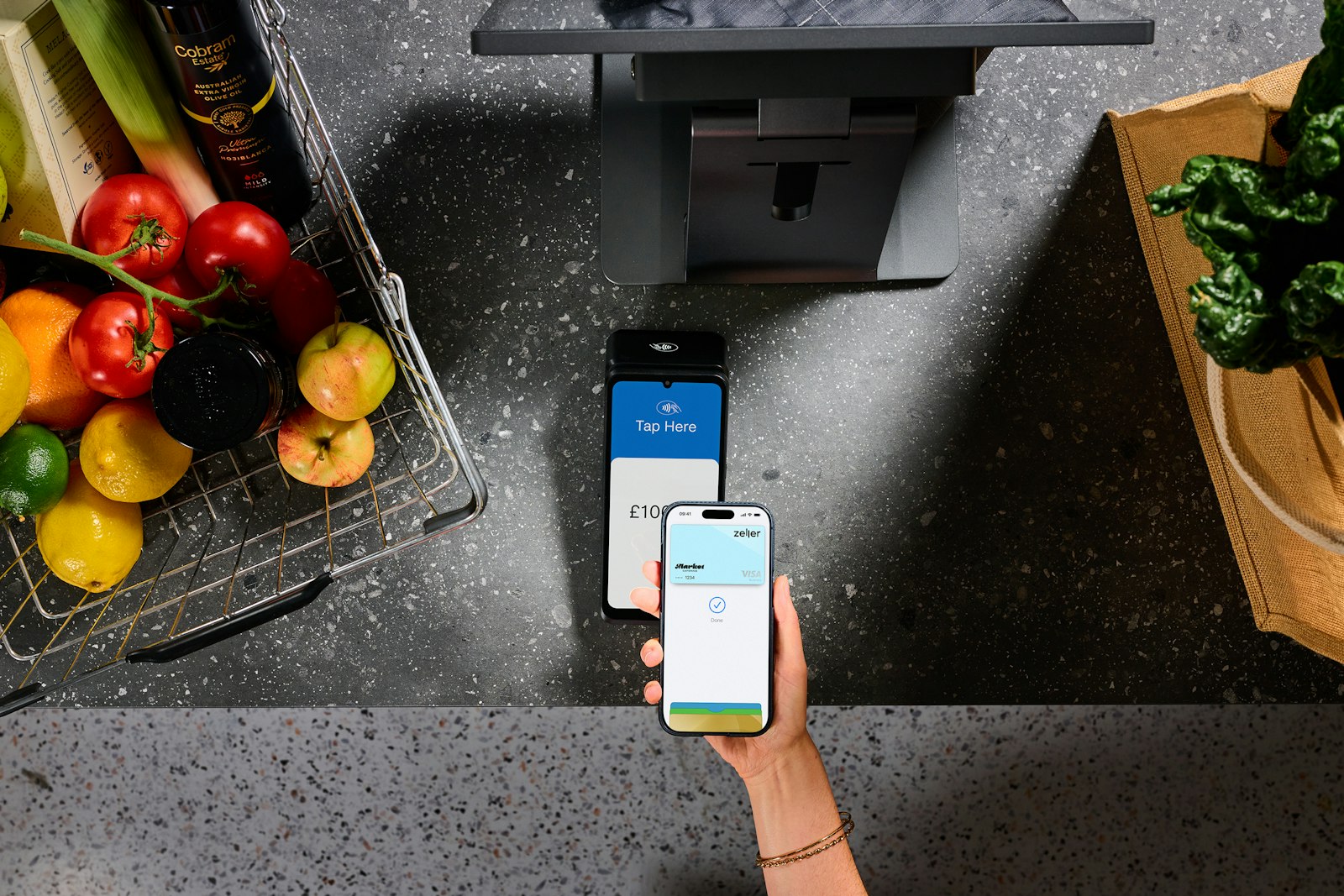
Step by step: how to pay at a Japanese self-checkout
The exact screens and order vary by chain and machine, but these are the steps you are most likely to meet. Look for an English or Language button at the top corner first. Many newer machines have one, but not all.
- Scan your items (full self-checkout only)Hold each barcode under the scanner until it beeps. The item list and total appear on screen. Drinks and snacks scan instantly; hot items like fried chicken from the heated case usually cannot be scanned. Ask staff for those.
- “Do you have a point card?” (ポイントカード)This is the question that stops most travelers. Japanese chains ask about their loyalty cards (nanaco, V Point, Ponta, d Point, Rakuten). Tap なし / 持っていない / No. You lose nothing.
- Choose how to pay (お支払い方法)Pick the button that matches your card or cash. See the screen guide below for the exact labels.
- Bag or no bag? (レジ袋)Plastic bags cost a few yen. Tap 不要 (not needed) or 必要 (needed), or use +/− to choose how many.
- Pay and confirm (確定)Tap your card on the reader, insert it for a PIN, touch your Suica, or feed in cash. Wait for the chime and the receipt (レシート). Change comes out of a slot at the bottom.
Screen guide: the Japanese buttons, translated
Payment screens use short labels. This is a typical layout. The button a traveler with a foreign Visa or Mastercard usually needs is highlighted.
Illustration of a typical payment screen. Labels and layout vary by chain and machine.
Cheat sheet: words you will see on the screen
| Japanese | Reading | Meaning |
|---|---|---|
| お会計 / 会計 | okaikei | Checkout / pay now |
| ポイントカード | pointo kādo | Loyalty card (tap “none”) |
| なし / 持っていない | nashi / motte inai | None / I don’t have one |
| 支払い方法 | shiharai hōhō | Payment method |
| 現金 | genkin | Cash |
| レジ袋 / 必要 / 不要 | rejibukuro / hitsuyō / fuyō | Plastic bag / needed / not needed |
| 確定 / 確認 | kakutei / kakunin | Confirm / check |
| 取消 / 戻る | torikeshi / modoru | Cancel / back |
| 残高不足 | zandaka busoku | Insufficient balance (top up your IC card) |
| 年齢確認 | nenrei kakunin | Age check (alcohol / tobacco, 20+ only) |
| お釣り / レシート | otsuri / reshīto | Change / receipt |
| 呼出 / 店員呼出 | yobidashi | Call staff |
How it works at each chain
| 7-Eleven | FamilyMart | Lawson | |
|---|---|---|---|
| Usual setup | Mostly semi-self: staff scan, you pay on your screen | Staffed or semi-self registers, plus full self-checkout at many city stores | Staffed registers, plus self-checkout (some registers switch to “self mode”) |
| Cash at self-checkout | Usually yes (semi-self) | Often no, depends on machine | Often no, depends on machine |
| Alcohol / tobacco | Age check on screen; staff may also check | Age verification needed; staff may need to approve or complete the sale | Age verification needed; staff may need to approve or complete the sale |
| Loyalty card question | nanaco / other points | V Point, d Point, Rakuten, FamiPay | Ponta, d Point |
Setups vary by chain, store and machine, and change over time. When in doubt, use the staffed register.
Stuck? The 6 most common problems (and fixes)
The screen asks about a card you don’t have
That’s the loyalty point card. Tap なし (none) or 持っていない. Some screens show a big button with a crossed-out card.
My card tap was rejected
Check you chose クレジット for a bank card or 交通系IC for Suica/PASMO. If it still fails, insert the chip and enter your PIN, or pay with cash at a staffed register.
There’s no slot for cash
This machine is probably cashless. Use a card or phone, or move to the staffed register (有人レジ).
It won’t let me buy beer
Alcohol and tobacco require age verification (20+ in Japan). Depending on the chain and register setup, staff may need to approve or complete the purchase.
“残高不足” appears
Your Suica/PASMO balance is too low. Pay the difference another way, or top up. You can often charge IC cards with cash at the register or at a Seven Bank ATM.
I want fried chicken or a coffee
Hot snacks from the counter case and cafe cups are usually rung up by staff. Point and say the name, or use the menu photos on the counter.
Useful phrases at the register
FAQ
Can foreigners use self-checkout at Japanese convenience stores?
Yes. Anyone can use them. Many machines have an English button, and many terminals accept major international credit cards, contactless cards and Suica/PASMO. Payment options vary by store and machine.
Do Japanese self-checkouts take cash?
Semi-self registers (staff scan, you pay) usually take cash. Many full self-checkouts are cashless, although payment options vary by store and machine. Look for a coin slot before you start scanning.
What is the “point card” question at the register?
It asks whether you have the chain’s loyalty card (nanaco, Ponta, d Point, V Point and others). Travelers can simply tap “none” (なし) and continue.
Can I buy alcohol at a self-checkout in Japan?
Alcohol and tobacco require age verification (the legal age is 20). At 7-Eleven semi-self registers you usually confirm your age on screen; at full self-checkouts, depending on the chain and register setup, staff may need to approve or complete the purchase.
Which payment button do I press for Apple Pay?
If your foreign card is set up for contactless payments in Apple Pay or Google Pay and the terminal accepts contactless payments, you can generally press the credit card button (クレジット) and tap your phone. If you are paying with a Suica or PASMO, press the transit IC button (交通系IC).